Google Experiments with Desktop Windowing for Android Tablets
Google is currently testing a new feature for Android tablets that could significantly improve multitasking by allowing users to resize apps freely and arrange them on the screen as they wish. This "desktop windowing" feature is available as a developer preview,

offering users the flexibility to open multiple instances of the same app and manage them like windows on a desktop. It’s designed to make multitasking smoother and more efficient for tablet users.
At present, apps on Android tablets typically open in full-screen mode by default. However, with the new desktop windowing feature, each app will appear in its own resizable window, complete with controls to reposition, maximize, or close it. Additionally, a taskbar will be available at the bottom of the screen, giving users easy access to their running apps for a seamless multitasking experience.

This feature is reminiscent of Apple’s iPad Stage Manager, which also allows for flexible window resizing and arrangement, as well as Samsung's DeX mode, which brings a desktop-like experience to Galaxy phones and tablets. Google’s implementation aims to bring similar functionality to Android tablets, offering more versatile app management for users.
Once the desktop windowing feature is widely released, users will be able to activate it by pressing and holding the window handle at the top of any app screen. For those using a keyboard, the feature can also be activated using a simple shortcut: Meta key (Windows, Command, or Search) + Ctrl + Down. To exit the mode, you can either close all active apps or drag a window to the top of the screen to return to full-screen mode.
One challenge Google is addressing is with apps that are locked to portrait orientation. While they can still be resized, the aspect ratio may appear off if the apps aren't optimized. Google is working on a solution to scale the UI of non-resizable apps while maintaining their proper aspect ratios in future updates.
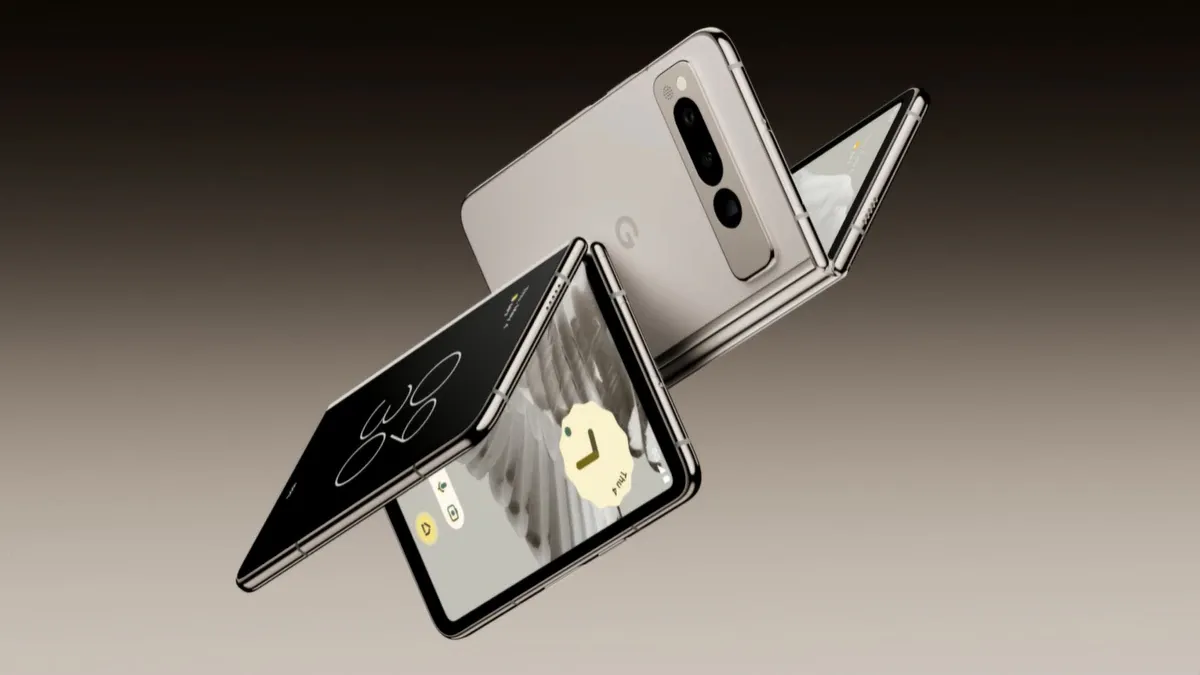
For now, users eager to try out this new feature can access the developer preview in the Android 15 QPR1 Beta 2 on Pixel Tablets. However, it is unclear when the feature will be rolled out for all users, or if it will be available on devices like the Google Pixel 9 Pro Fold.
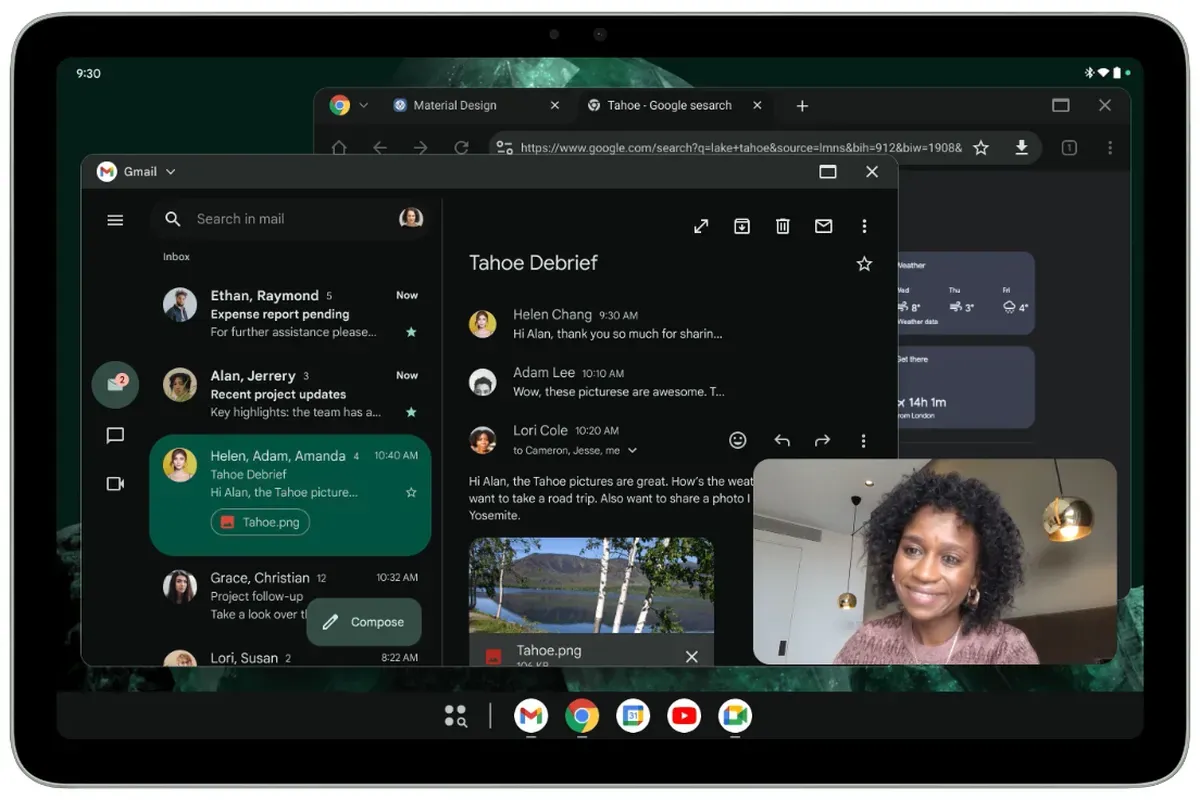
This desktop windowing feature could be a game-changer for Android tablets, giving them a more desktop-like experience that enhances productivity and user experience.